Frontend vs Backend: What Really Happens Behind a Website?
1. Frontend — What Users See
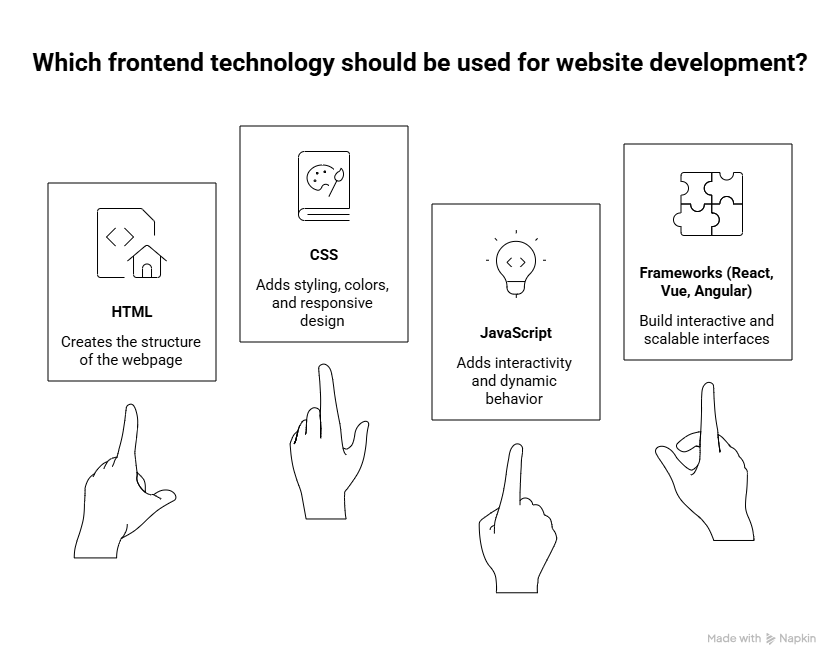
The frontend is the part of a website that users directly see and interact with. It is responsible for creating the website’s layout, design, and user experience.
HTML → Creates the structure of the webpage.
CSS → Adds styling, colors, layouts, and responsive design.
JavaScript → Adds interactivity and dynamic behavior.
Things like buttons, forms, navigation menus, animations, and search bars are all part of the frontend.
Modern websites may also use technologies like React, Vue, or Angular to build interactive and scalable interfaces.
When you open a website, your browser reads the HTML, CSS, and JavaScript, processes them, and displays the final webpage on your screen.
In simple terms: Frontend = Everything you see and interact with on a website.
2. Backend — What Happens Behind the Scenes
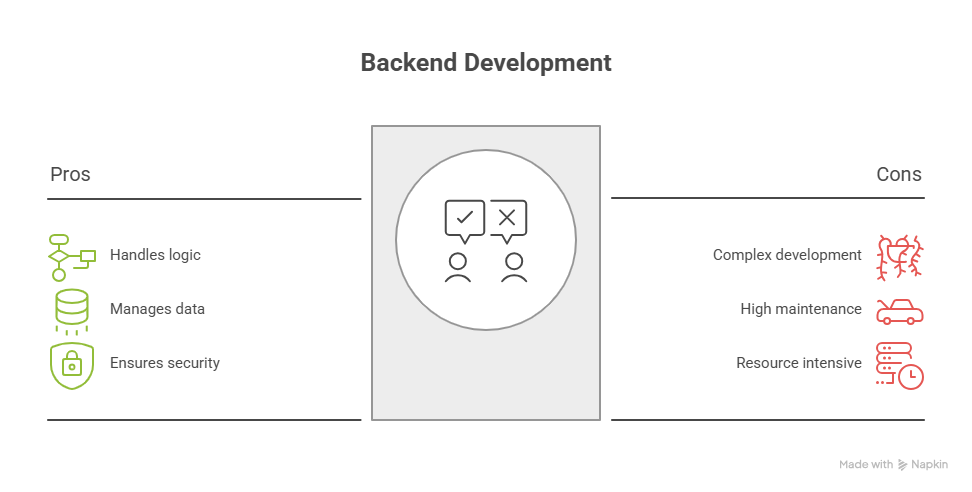
The backend is the part of a website that works behind the scenes. Users usually cannot see it, but it handles the logic, data, and requests that make the website function.
Servers → Receive requests from the frontend and send back responses.
Business Logic → Controls how the application should work.
Authentication → Handles login, registration, passwords, and user access.
Data Processing → Processes, stores, and retrieves information from databases.
Popular backend technologies include Django, Node.js, PHP, and Java.
For example, when you log in to a website, the frontend sends your credentials to the backend. The backend verifies them, checks the database, and sends a response back to the browser.
In simple terms: Backend = The engine that makes a website work behind the scenes.
3. APIs — The Bridge Between Frontend & Backend
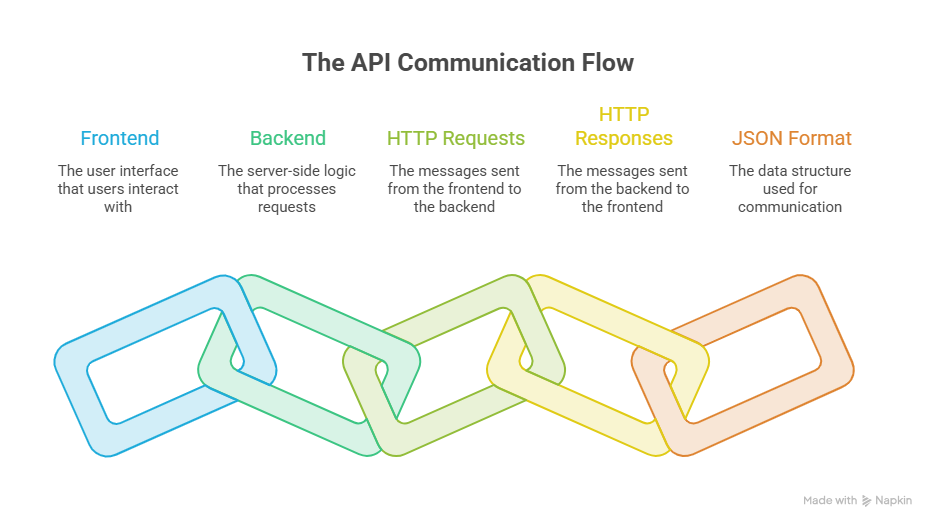
An API (Application Programming Interface) acts as a bridge that allows the frontend and backend to communicate with each other.
When a user performs an action, the frontend sends a request to the API. The backend receives the request, processes it, performs the required task, and sends a response back through the API.
This communication usually happens through HTTP requests and responses, with data commonly exchanged in JSON format.
Simple Flow
Frontend
   ↓
  API
   ↓
Backend
   ↓
  API
   ↓
Frontend
For example, when you click Login, the frontend sends your login details to the backend through an API. The backend verifies the information and returns a response such as login successful or invalid credentials.
In simple terms: API = The communication bridge between the frontend and backend.
4. Database — Where the Data Lives
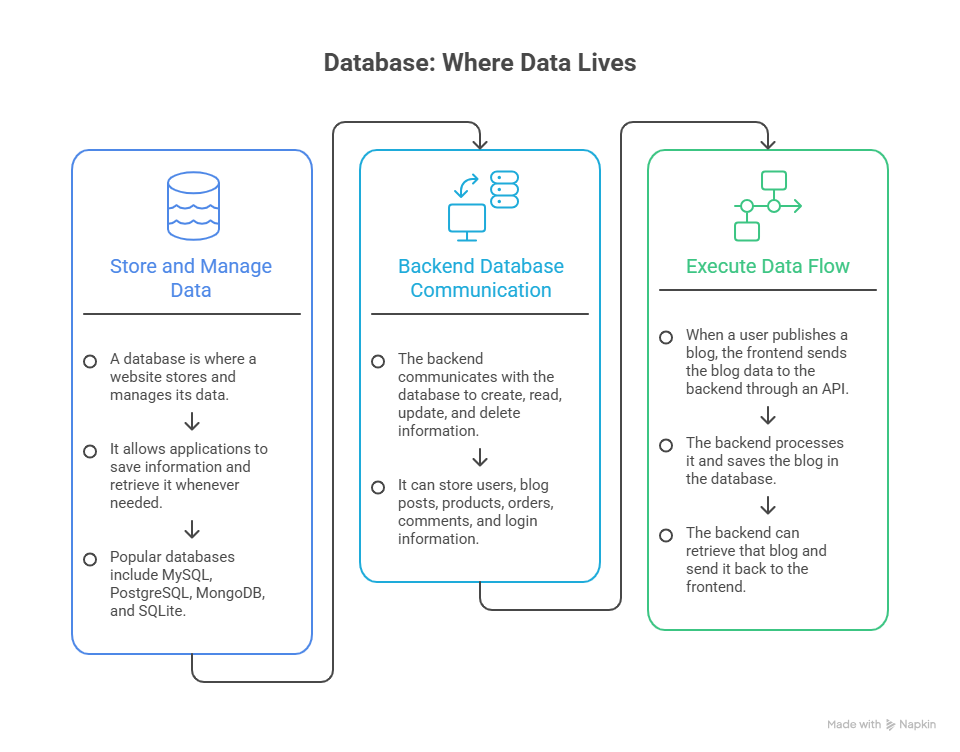
A database is where a website stores and manages its data. It allows applications to save information and retrieve it whenever needed.
Popular databases include MySQL, PostgreSQL, MongoDB, and SQLite.
The backend communicates with the database to create, read, update, and delete information. For example, it can store users, blog posts, products, orders, comments, and login information.
Practical Example
User
  ↓
Frontend
  ↓
 API
  ↓
Backend
  ↓
Database
For example, when a user publishes a blog, the frontend sends the blog data to the backend through an API. The backend processes it and saves the blog in the database. Later, the backend can retrieve that blog and send it back to the frontend.
In simple terms: Database = The storage system where a website keeps its important data.
5. What Really Happens When You Use a Website?
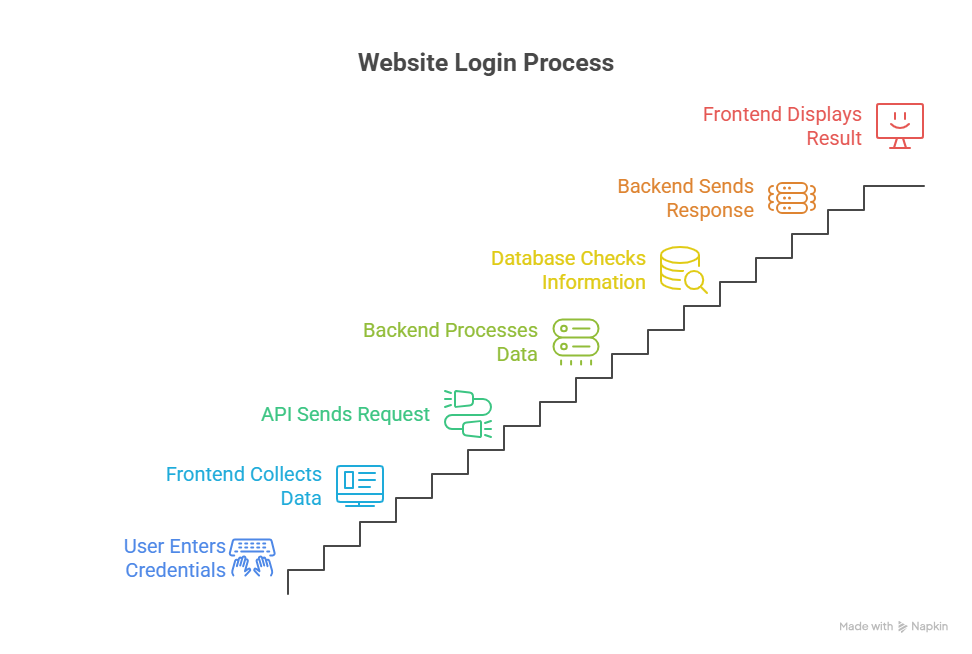
Whenever you use a website, several components work together behind the scenes. A simple example is logging into a website.
1. User enters username & password
            ↓
2. Frontend collects the data
            ↓
3. API sends the request
            ↓
4. Backend processes it
            ↓
5. Database checks the information
            ↓
6. Backend sends a response
            ↓
7. Frontend displays the result
The frontend provides the login form, the API carries the request, the backend handles the authentication logic, and the database verifies the stored user information. Finally, the result is sent back to the frontend and displayed to the user.
This same architecture is used for many website features, such as searching products, publishing blogs, placing orders, and managing user accounts.
Frontend is what you see. Backend is what you don't see. APIs connect them, and databases store the information.
6. HTTP — How the Browser Communicates with the Server
HTTP (HyperText Transfer Protocol) is the communication protocol that allows the browser and server to exchange information.
Whenever you interact with a website, the browser sends an HTTP request to the server. The server processes that request and sends an HTTP response back.
Simple Flow
User Action
    ↓
HTTP Request
    ↓
Server Processing
    ↓
HTTP Response
    ↓
Browser Displays Result
For example, when you click Login, the frontend sends your username and password through an HTTP request. The server processes the request, checks the required information, and sends a response such as login successful or invalid credentials.
HTTP commonly uses methods such as GET, POST, PUT, PATCH, and DELETE to perform different operations.
In simple terms: HTTP is the communication system that carries requests from the browser to the server and responses back to the browser.
Comments
Join the discussionNo comments yet. Be the first to comment.