JavaScript Series — Phase 1 — JavaScript Fundamentals
📅 Day 1 — What is JavaScript?
1. What is JavaScript?
Explain:
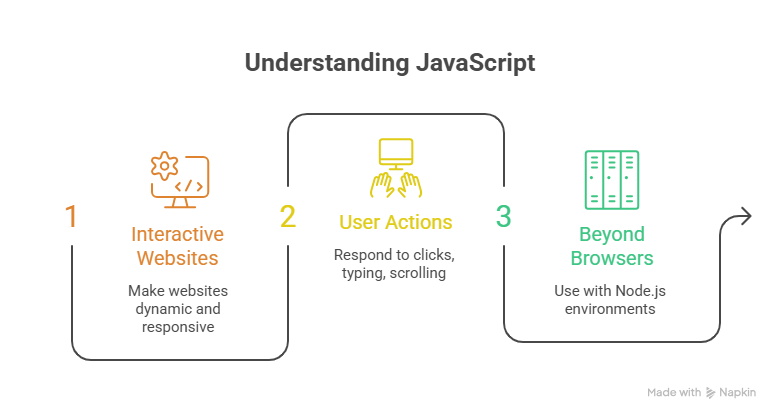
JavaScript is a programming language mainly used to make websites interactive and dynamic.
It can respond to user actions such as clicks, typing, scrolling, and form submissions.
JavaScript can also be used outside browsers with environments such as Node.js.
Simple example :
console.log("Hello, JavaScript!");
2. 🕐 Why Was JavaScript Created?
Briefly cover its history:
JavaScript was created in 1995 by Brendan Eich.
It was originally developed at Netscape.
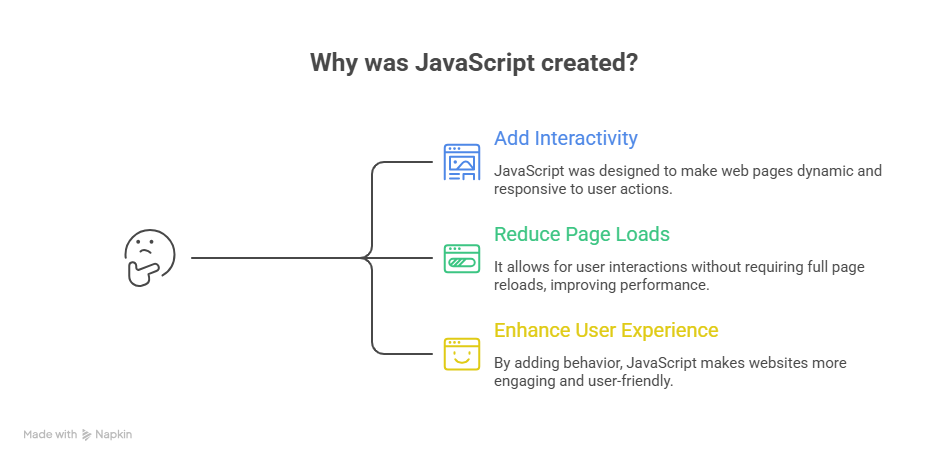
The goal was to add interactivity and scripting capabilities to web pages.
Early websites were mostly static, using HTML and CSS.
JavaScript allowed websites to react to users without requiring every interaction to load a completely new page.
You can introduce the idea:
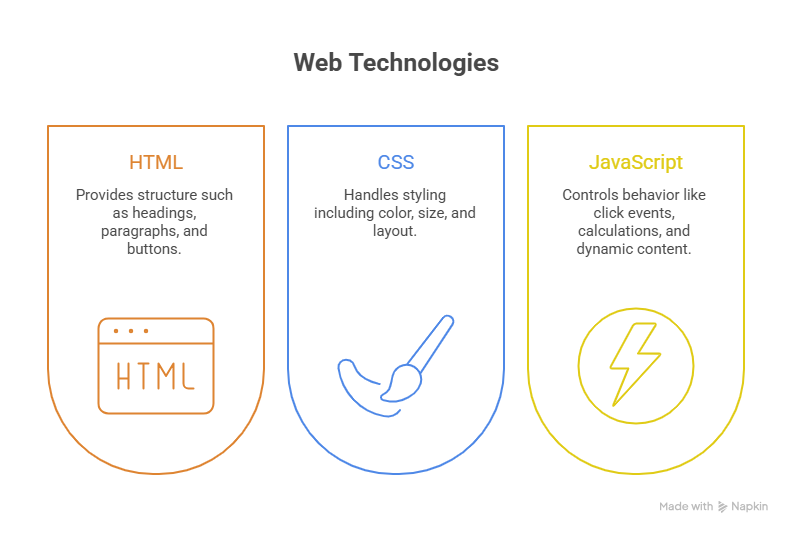
HTML → Structure
CSS → Appearance
JavaScript → Behavior
3. ⚔️ JavaScript vs HTML vs CSS
A simple comparison makes this very easy for beginners:
| Technology | Main Purpose | Example |
|---|---|---|
| HTML | Structure | Heading, paragraph, button |
| CSS | Styling | Color, size, layout |
| JavaScript | Behavior | Click events, calculations, dynamic content |
Example:
HTML
 ↓
Creates a button

CSS
 ↓
Makes the button look attractive

JavaScript
 ↓
Makes the button perform an action
For example, clicking a button could change text:
document.getElementById("message").textContent = "Hello!";
4. 🌍 Where is JavaScript Used?
Introduce the major areas where JavaScript is used:
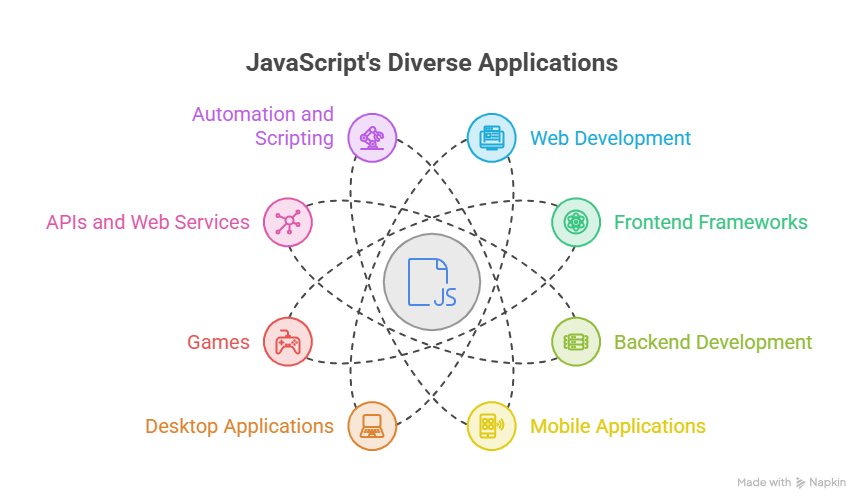
🌐 Web development
🎨 Interactive websites
⚛️ Frontend frameworks — React, Vue, Angular
🖥️ Backend development — Node.js
📱 Mobile applications
🖥️ Desktop applications
🎮 Games
🔌 APIs and web services
🤖 Automation and scripting
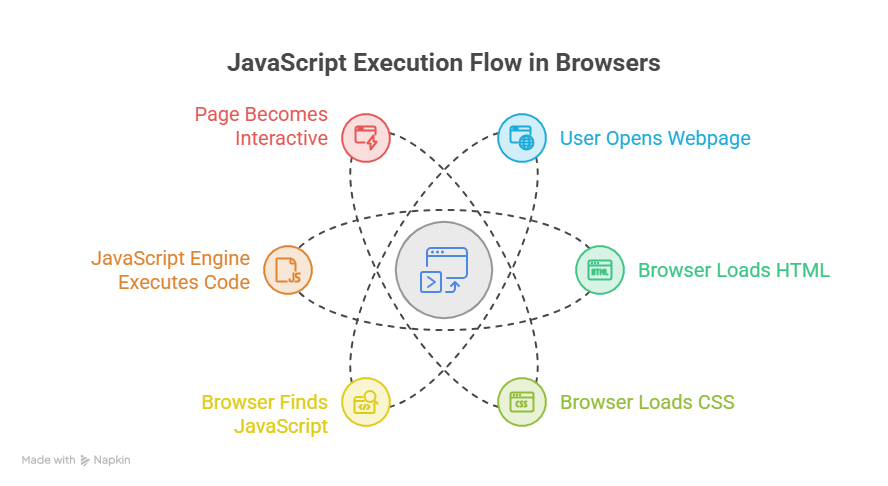
5. ⚙️ How Does JavaScript Work in a Browser?
This is an important beginner concept.
Explain the basic flow:
User opens a webpage
        ↓
Browser loads HTML
        ↓
Browser loads CSS
        ↓
Browser finds JavaScript
        ↓
JavaScript engine executes the code
        ↓
Page becomes interactive
Mention that modern browsers contain JavaScript engines. For example:
Chrome / Edge → V8
Firefox → SpiderMonkey
Safari → JavaScriptCore
6. 👨💻 Your First JavaScript Program
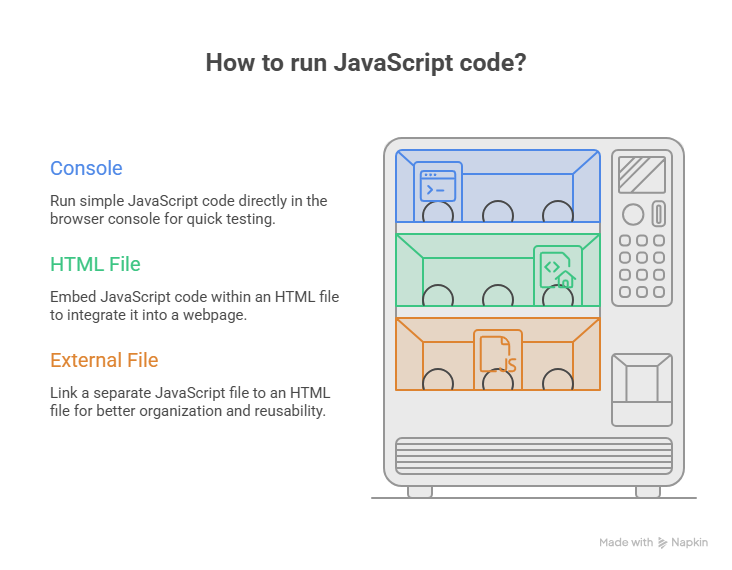
Start with the simplest program:
console.log("Hello, World!");
Then show how to run it inside an HTML file:
<!DOCTYPE html>
<html>
<head>
    <title>My First JavaScript</title>
</head>
<body>

    <h1>Hello JavaScript</h1>

    <script>
        console.log("Hello, World!");
    </script>

</body>
</html>
Explanation :
<script>
is used to write or load JavaScript in an HTML page.
You can also introduce the external JavaScript approach:
index.html
<script src="script.js"></script>
script.js
console.log("Hello from JavaScript!");
Comments
Join the discussionNo comments yet. Be the first to comment.